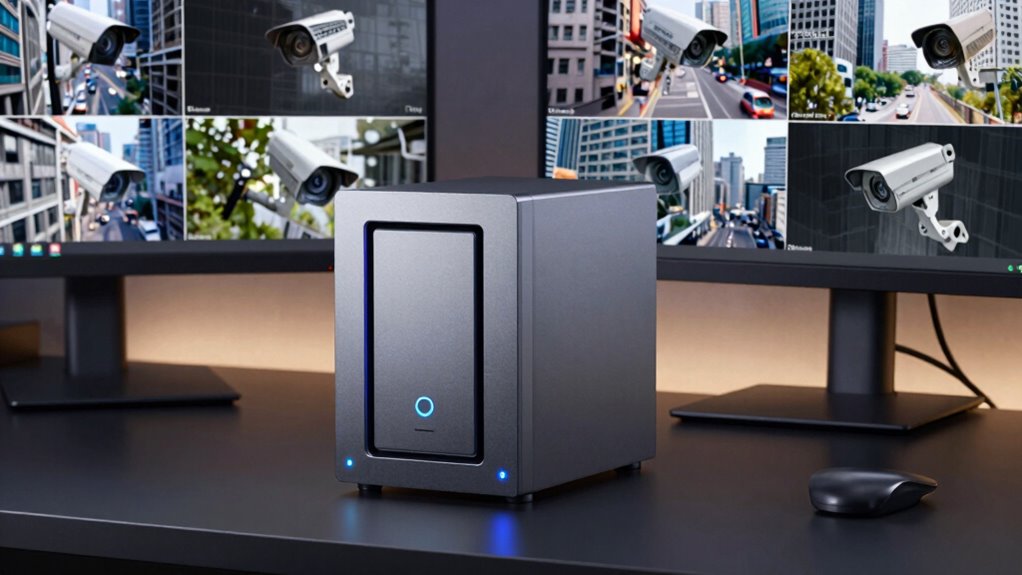
When investing in NAS storage for surveillance, it’s essential to plan for future growth to avoid the capacity trap. Without proper management, expanded storage can lead to data challenges, security risks, and costly upgrades. Prioritize encryption, understand scalability, and implement automated archiving to keep your system secure and efficient. By carefully balancing capacity, security, and management, you can build a reliable surveillance infrastructure that adapts over time. Keep exploring to learn more about avoiding pitfalls.
Key Takeaways
- Plan storage expansion carefully to prevent capacity overload and avoid unexpected limitations in surveillance systems.
- Implement automated data management and archiving to optimize storage use and prevent the capacity trap.
- Choose modular NAS models supporting easy expansion to accommodate growing surveillance data needs.
- Prioritize data encryption and security controls during expansion to mitigate vulnerabilities.
- Regularly monitor system health and performance for proactive capacity planning and avoiding future issues.
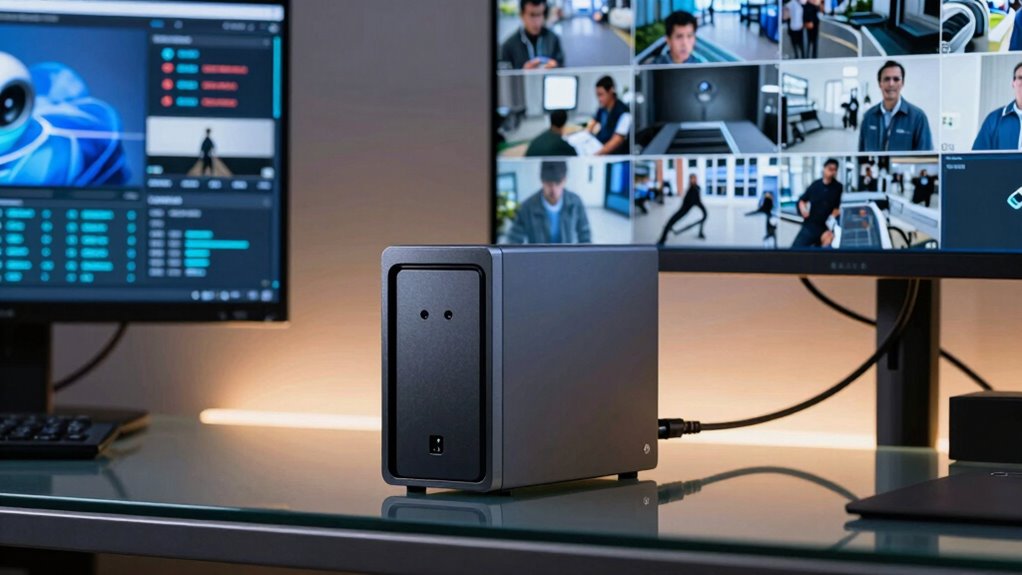
If you’re looking to enhance your surveillance system, NAS storage offers a reliable and scalable solution. With the right setup, you can manage high-resolution footage, expand storage capacity easily, and guarantee your data remains secure. One of the biggest advantages of NAS devices is their ability to integrate seamlessly with cloud services. Cloud integration allows you to back up footage automatically, access recordings remotely, and expand storage without physically upgrading your device. This flexibility is vital as your surveillance needs grow, preventing you from hitting a capacity wall too soon. However, while expanding storage, you need to be cautious of the capacity trap—where added storage seems to solve your problems but leads to unforeseen complications like data management challenges, higher costs, or security vulnerabilities.
Expanding NAS storage boosts capacity but requires careful planning to avoid data management issues and security risks.
To avoid falling into this trap, prioritize data encryption along with increased capacity. Data encryption ensures that your surveillance footage remains protected from unauthorized access, especially when you’re using cloud integration for remote viewing or backups. Encryption adds a layer of security, making it difficult for cybercriminals to access sensitive footage even if they breach your network. As you expand your storage, be mindful of how encryption processes impact system performance; modern NAS devices are designed to handle encryption efficiently, but it’s a factor worth considering. Additionally, understanding storage scalability is crucial to ensuring your system can grow without unnecessary disruptions. Proper planning for future storage needs** helps prevent costly upgrades or system overhauls down the line. Implementing data management strategies can also help optimize your storage and improve overall system efficiency. Recognizing the importance of system monitoring** can further help identify potential issues before they impact your surveillance operations.
Another aspect to remember is the importance of planning your storage needs ahead of time. It can be tempting to keep adding drives as footage accumulates, but without a clear understanding of your retention policies and data flow, you might find yourself overwhelmed. Implementing intelligent data management strategies, such as automated archiving or selective retention, helps keep storage usage optimized. Employing comprehensive planning ensures that your storage expansion aligns with your long-term surveillance goals. When choosing a NAS device, look for models that support scalable storage options, like modular drives or expansion units, so you can grow your system without replacing everything from scratch.
While expanding capacity, don’t forget the importance of security features beyond encryption—such as user access controls and regular firmware updates. These measures help maintain the integrity of your surveillance data as your storage scales up. Ultimately, the goal is to build a system that not only offers ample capacity but also remains secure, manageable, and adaptable to future needs. By balancing cloud integration, encryption, and thoughtful planning, you avoid the capacity trap and guarantee your surveillance system stays reliable, secure, and efficient over time.

MaxDigitalData 6TB 7200RPM 128MB Cache SATA 6.0Gb/s 3.5-inch Internal Hard Drive for NAS Network Storage (MD6000GSA12872NAS) – 3 Years Warranty (Renewed)
HIGH-DENSITY STORAGE – 6TB hard disk drive designed for Hyperscale applications/cloud data centers solutions requiring maximum storage efficiency….
As an affiliate, we earn on qualifying purchases.
As an affiliate, we earn on qualifying purchases.
Frequently Asked Questions
How Does NAS Storage Compare to Direct-Attached Storage for Surveillance?
You’ll find NAS storage better than direct-attached storage for surveillance because it offers cloud integration for remote access and data redundancy for security. NAS systems handle large video files efficiently, supporting multiple users simultaneously. Unlike DAS, NAS provides scalable capacity, minimizing the risk of running out of space. It’s a reliable, flexible solution that guarantees your surveillance data stays protected and easily accessible whenever you need it.
What Are the Best Practices for Scalable NAS Surveillance Storage?
To guarantee scalable NAS surveillance storage, you should prioritize cloud integration for remote access and easy scalability. Implement data redundancy strategies like RAID or snapshots to protect footage from hardware failures. Regularly monitor storage usage, plan capacity upgrades ahead of time, and consider hybrid solutions that combine local NAS with cloud backup. These practices help you manage growth efficiently while maintaining data security and accessibility.
How to Estimate Future Storage Needs Accurately?
To estimate future storage needs accurately, you should analyze current data growth trends and consider how your surveillance system might expand. Keep track of daily recording volumes, resolution changes, and retention periods. It is crucial to add a buffer for unexpected data spikes or system upgrades. By regularly reviewing these factors, you guarantee your storage capacity stays ahead of data growth, preventing costly shortages and maintaining reliable surveillance.
Can NAS Storage Handle 4K or High-Definition Video Streams?
Did you know 4K video streams can require up to 15 Mbps each? NAS storage can handle 4K or high-definition videos, but it depends on your setup. Video compression reduces file sizes, making storage more manageable. Keep in mind, network bandwidth is vital—if your connection can’t support high data rates, streaming quality suffers. So, make certain your NAS system’s capacity and network bandwidth align with your high-definition surveillance needs.
What Security Features Should I Look for in NAS for Surveillance?
You should look for NAS with robust security features like data encryption to protect your surveillance footage from cyber threats. Make certain it offers user access controls, so only authorized personnel can view or manage recordings. Multi-factor authentication adds extra security. Regular firmware updates, audit logs, and secure remote access are also essential. These features help safeguard your surveillance data and maintain your network’s integrity.
modular NAS devices with easy expansion
As an affiliate, we earn on qualifying purchases.
As an affiliate, we earn on qualifying purchases.
Conclusion
Don’t let storage capacity hold you back from securing your space. While it might seem tempting to just add more drives, it’s smarter to plan ahead and choose NAS solutions that scale efficiently. Sure, it’s easier to stick with what you know, but investing in the right setup now saves you headaches—and money—later. Stay proactive, not overwhelmed, and keep your surveillance system running smoothly without falling into the capacity trap.

Amcrest 1080P WiFi Security Camera 2MP Indoor Pan/Tilt Wireless IP Camera, IP2M-841W (White)
High Performance, Real-Time, True HD – Experience magnificent full-HD 1080P video at 30fps with enhanced low light capability…
As an affiliate, we earn on qualifying purchases.
As an affiliate, we earn on qualifying purchases.

Seagate 4TB IronWolf NAS SATA Hard Drive 6Gb/s 256MB Cache 3.5-Inch Internal Hard Drive for NAS Servers, Personal Cloud Storage (ST4000VN008), Silver
Ironwolf internal Hard drives are the ideal solution for up to 8-Bay, multi-user NAS environments craving powerhouse performance
As an affiliate, we earn on qualifying purchases.
As an affiliate, we earn on qualifying purchases.