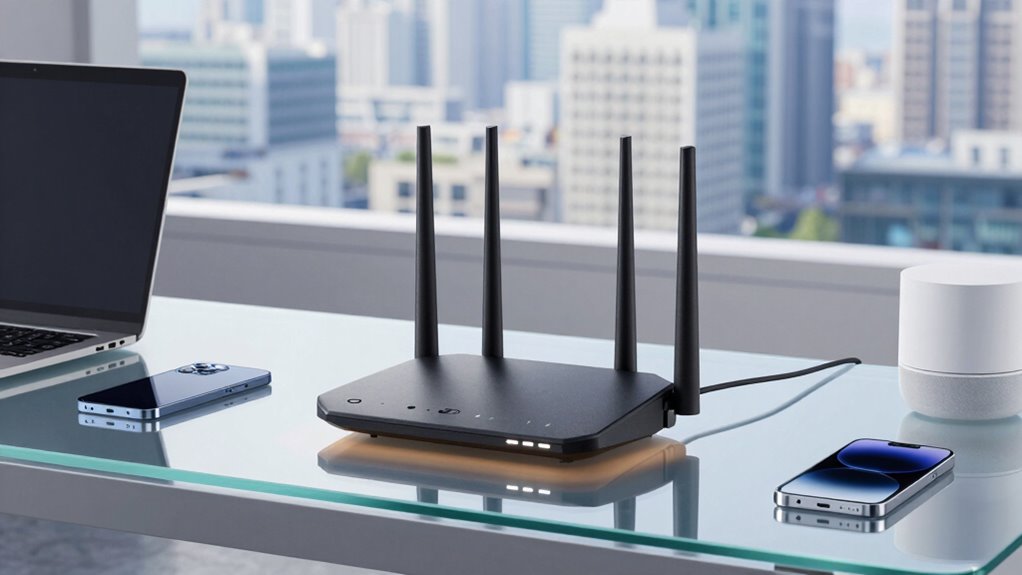

When choosing a Business Wi-Fi 6 router, speed isn’t the only factor to evaluate. Prioritize security features like WPA3 encryption, automated firmware updates, and vulnerability protection to keep your data safe. Device compatibility is also essential so all your hardware connects seamlessly. A balanced focus on security, device support, and performance ensures your network remains resilient and reliable. Keep exploring to discover how to build a truly secure and efficient network tailored to your needs.

Get business pricing on office and shipping supplies
- Business-only prices and quantity discounts
- Tax-exempt purchasing
- Multiple users, one account, clear invoices
Key Takeaways
- Security features like WPA3 and automatic firmware updates are crucial for protecting business data.
- Device compatibility ensures seamless connection and reduces network downtime across various hardware.
- User-friendly management interfaces simplify network administration and vulnerability mitigation.
- High performance is ineffective without robust security measures to prevent data breaches.
- Balancing speed with security and compatibility supports resilient, scalable business networks.
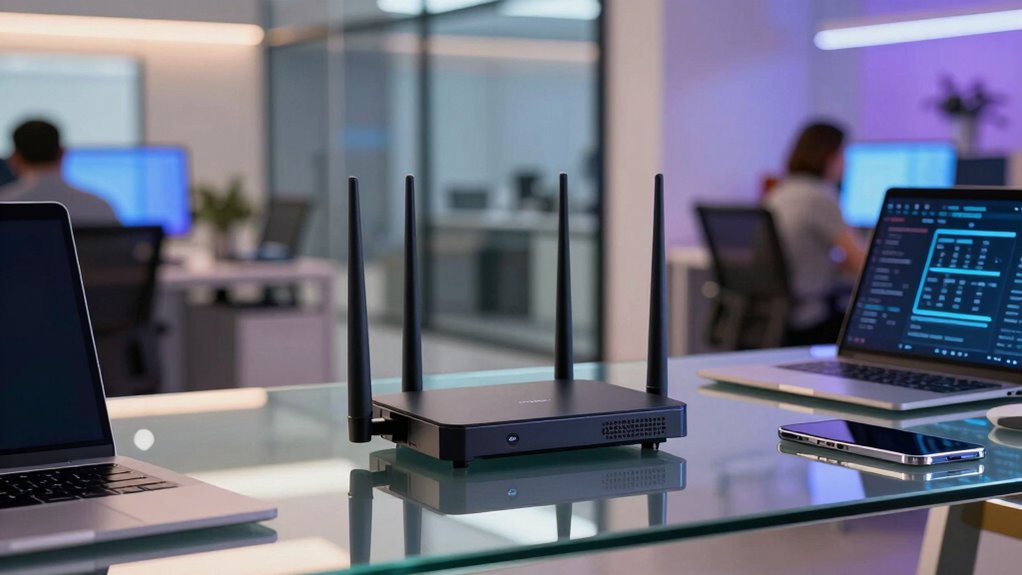
As businesses increasingly rely on fast, reliable internet connections, Wi-Fi 6 routers have become essential for supporting high traffic and multiple devices simultaneously. But speed isn’t the only factor you should consider when choosing a router. You also need to prioritize network security to protect sensitive data from cyber threats and unauthorized access. Wi-Fi 6 routers come with advanced security features like WPA3 encryption, which makes it harder for hackers to intercept communications. This added layer of protection is crucial for maintaining client trust and complying with data privacy regulations. Moreover, a good Wi-Fi 6 router should support device compatibility, ensuring that all your hardware—whether it’s laptops, smartphones, IoT devices, or printers—connects seamlessly. Older devices might struggle with certain features, but a modern router will accommodate a wide range of gadgets, reducing connectivity issues and downtime.
When evaluating a Business Wi-Fi 6 router, think beyond raw speed. The network’s overall security posture is just as critical. Look for routers that offer built-in security protocols, automatic firmware updates, and user-friendly management interfaces. These features help you stay ahead of vulnerabilities and simplify network administration, especially in a busy office environment. Device compatibility is also key; your business might use a mix of legacy and new devices, so ensure the router supports the latest Wi-Fi standards alongside backward compatibility. This way, you avoid costly upgrades or the need for multiple access points, streamlining your network infrastructure. Additionally, understanding the security features of your Wi-Fi 6 router can significantly impact your network’s resilience against cyber threats. Being aware of network vulnerabilities can help you choose a router that actively mitigates potential risks. Furthermore, considering the security protocols included can enhance your defenses against emerging cyber threats.
Speed is attractive, but it’s useless if your network isn’t secure or if devices can’t connect properly. For example, a router with cutting-edge performance but weak security features leaves your business open to data breaches, which can be far more damaging than slow internet. Likewise, a router that doesn’t support your existing devices may cause frustration and inefficiency, counteracting any benefits of higher speed. When choosing your Wi-Fi 6 router, balance these factors carefully. Prioritize network security features that safeguard your business operations and ensure device compatibility so your entire ecosystem works smoothly. By doing so, you’ll build a resilient, efficient network that supports your growth and keeps your data safe, proving that speed alone isn’t enough in today’s complex digital landscape.
Business Wi-Fi 6 router with WPA3 security
As an affiliate, we earn on qualifying purchases.
As an affiliate, we earn on qualifying purchases.
Frequently Asked Questions
How Do Wi-Fi 6 Routers Improve Security for Businesses?
Wi-Fi 6 routers enhance your business security by supporting advanced encryption protocols like WPA3, making it harder for hackers to access sensitive data. They also enable network segmentation, allowing you to separate guest and internal networks, reducing potential threats. With these features, you can better protect your company’s information, maintain secure connections, and guarantee only authorized users access critical systems, all while enjoying the benefits of faster, more reliable Wi-Fi.
Are Wi-Fi 6 Routers Compatible With Older Devices?
You might be surprised to find Wi-Fi 6 routers are compatible with older devices, but it depends on your device’s firmware updates and hardware capabilities. While they’re designed for seamless integration, some legacy gadgets may need firmware updates to connect properly. It’s a coincidence that upgrading your router often prompts updates for your devices, enhancing overall security and performance. Check compatibility details and update firmware to guarantee smooth connectivity across all your devices.
What Is the Typical Lifespan of a Business Wi-Fi 6 Router?
A business Wi-Fi 6 router typically lasts around 3 to 5 years, depending on firmware updates and hardware durability. You should regularly update the firmware to fix bugs and improve security, extending its lifespan. Hardware durability also plays a role; choose models built with quality components. Proper maintenance guarantees your router stays efficient longer, supporting your business needs without frequent replacements.
How Do Wi-Fi 6 Routers Handle Multiple Device Connections?
Imagine a bustling city street where traffic flows smoothly despite countless pedestrians. Wi-Fi 6 routers handle multiple device connections by using device prioritization, ensuring critical tasks get precedence. They manage network congestion efficiently, distributing bandwidth intelligently across devices. This means your business network stays reliable and fast, even during peak usage. You’ll notice seamless streaming, quick downloads, and stable connections, thanks to Wi-Fi 6’s smart traffic management.
What Are the Cost Differences Between Wi-Fi 5 and Wi-Fi 6 Routers?
You’ll find Wi-Fi 6 routers generally cost more than Wi-Fi 5 models due to advanced technology and features. The cost comparison shows Wi-Fi 6 routers can be 20-50% pricier, reflecting current price trends in networking equipment. While the higher price might seem steep initially, you benefit from better performance, future-proofing, and improved device handling. So, consider your business needs and long-term value when weighing the initial investment against potential savings.
enterprise Wi-Fi 6 router with automatic firmware updates
As an affiliate, we earn on qualifying purchases.
As an affiliate, we earn on qualifying purchases.
Conclusion
When choosing a Business Wi-Fi 6 router, remember that speed isn’t everything. Reliability, security, and scalability matter just as much, shaping your network’s success. Prioritize features that support growth, protect data, and guarantee seamless connections. Because a truly effective router doesn’t just deliver fast internet—it delivers peace of mind, confidence, and future-proof performance. Focus on the full picture, not just the speed, to keep your business connected and thriving for years to come.
high security Wi-Fi 6 router for small business
As an affiliate, we earn on qualifying purchases.
As an affiliate, we earn on qualifying purchases.
Wi-Fi 6 router compatible with legacy devices
As an affiliate, we earn on qualifying purchases.
As an affiliate, we earn on qualifying purchases.
Halloween Picks
halloween
As an affiliate, we earn on qualifying purchases.