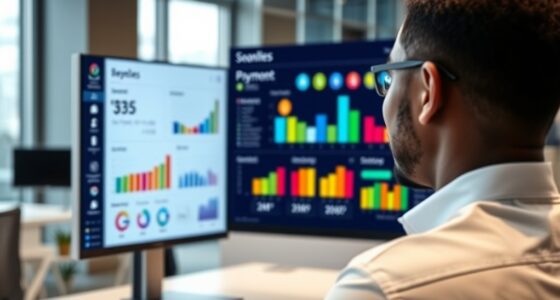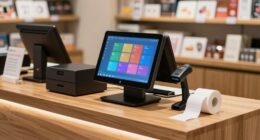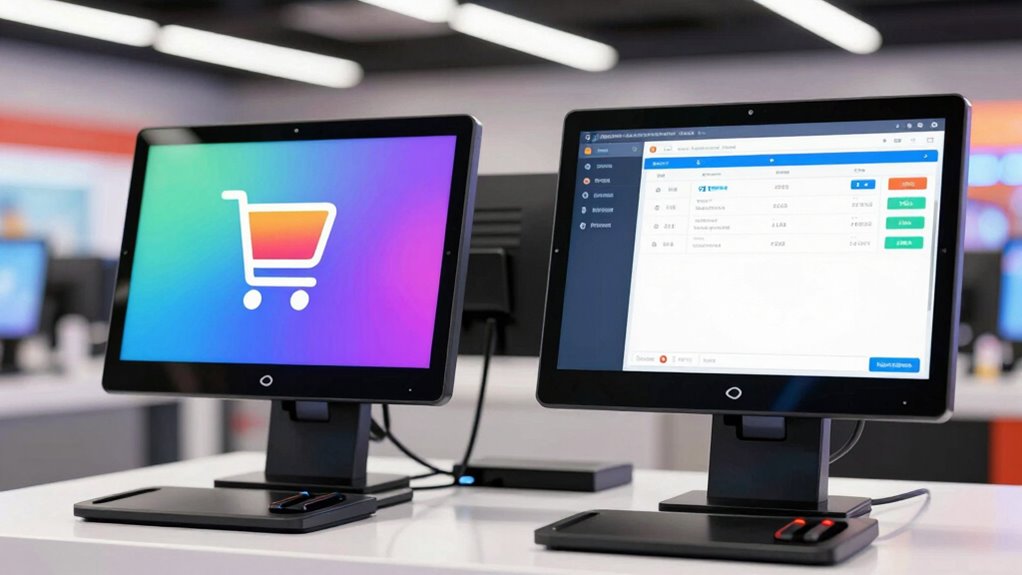
Dual screens at checkout can boost efficiency, improve customer engagement, and speed up transactions, making your checkout process smoother. However, you’ll need to take into account privacy concerns, like protecting sensitive info, and the costs for hardware and security software. Weighing these benefits against potential drawbacks helps you decide if they’re right for your business. If you want to discover how to implement dual screens without compromising security, keep exploring the options available.
Key Takeaways
- Dual screens enhance checkout efficiency and customer engagement but require careful configuration to protect sensitive data.
- Consider the significant hardware and software costs against potential improvements in transaction speed.
- Proper security measures and privacy protocols are essential to prevent data leaks and maintain customer trust.
- Evaluate if dual screens align with your business goals and provide a tangible return on investment.
- Weigh the operational benefits against privacy, security, and cost concerns before adopting dual screen systems.
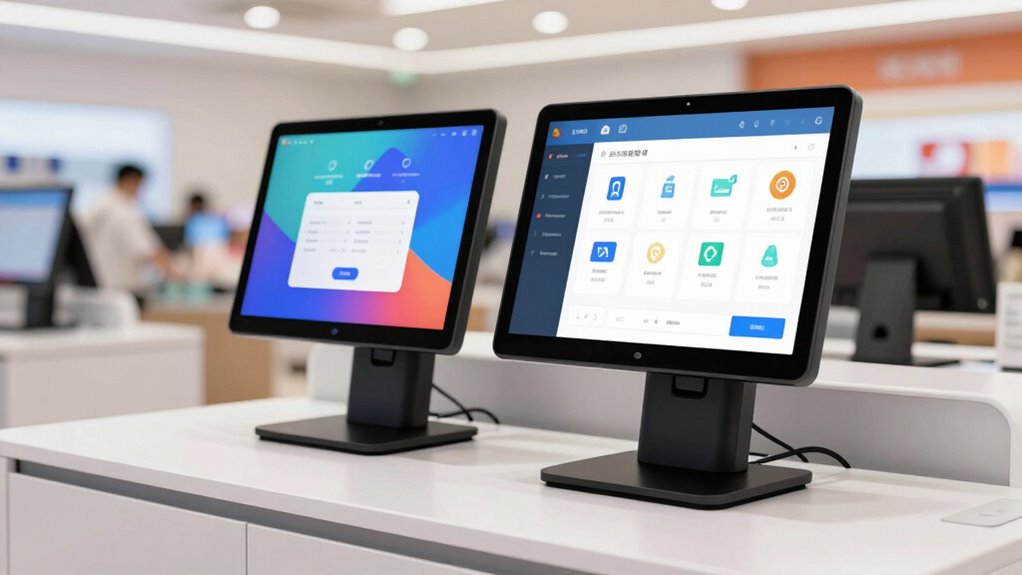
Have you noticed more stores using dual screens at checkout? It’s a trend gaining momentum, and for good reason. Dual screens can streamline the checkout process, making it more engaging and efficient for both customers and staff. But before jumping on the bandwagon, it’s vital to consider whether they’re truly necessary for your business. While the idea of having two screens might seem appealing, you should weigh the benefits against potential drawbacks, especially concerning customer privacy and hardware costs.
Customer privacy is a significant concern when it comes to dual screens. With two displays, one might be dedicated to the cashier and the other visible to the customer. If not configured properly, sensitive information like prices, discounts, or personal details could accidentally be exposed to customers, raising privacy issues. You need to ensure that your systems are set up in a way that protects customer data while still providing transparency. This might involve investing in software that can hide or mask sensitive info on the customer-facing screen, but that adds complexity and cost. If privacy is a top priority for your business, you’ll want to evaluate whether dual screens can be implemented securely without risking data leaks or customer mistrust. Additionally, understanding the privacy implications of dual screens can help you make a more informed decision about their use. Considering security measures is essential to safeguard customer information and foster trust. Moreover, understanding the cost implications can help you decide if the investment aligns with your budget and operational goals. Also, researching cybersecurity best practices can further protect your business from potential data breaches associated with digital checkout systems. Finally, assessing the return on investment will help determine if dual screens truly provide value for your specific retail environment.
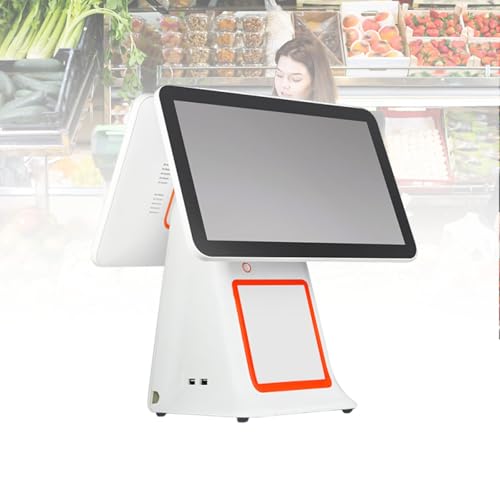
2026 Upgraded Version All-in-One Touch Screen POS System with 15.6” Display, Dual Monitor Setup, 2GB ramme, 32G SSD, POS Cash Register for Business Checkout
【High Performance】POS System powered by high-performance CPU with 2GB ramme and 32GB SSD, running stable Windows system for…
As an affiliate, we earn on qualifying purchases.
As an affiliate, we earn on qualifying purchases.
Frequently Asked Questions
Do Dual Screens Improve Checkout Speed Significantly?
Yes, dual screens can substantially improve checkout speed if you prioritize high screen resolution and guarantee hardware compatibility. When your systems support dual monitors properly, you can display multiple applications simultaneously, reducing switching time. This setup streamlines processes, especially when scanning items and processing payments, making transactions quicker. Just make sure your hardware is compatible and your screens have clear resolution to maximize efficiency and avoid technical hiccups.
Are Dual Screens Cost-Effective for Small Businesses?
While dual screens can enhance your checkout experience, they might not be the most cost-effective choice for small businesses. A careful cost analysis shows the investment may outweigh the benefits, especially when considering space considerations and limited budgets. If your store handles high volumes, they could be worthwhile, but for smaller operations, simpler solutions often deliver better value. Weigh the convenience against the costs before making this upgrade.
What Are the Common Technical Issues With Dual Screens?
You might face common technical issues with dual screens, like hardware compatibility problems or software integration glitches. Sometimes, your computers may not support dual monitor setups smoothly, causing display or resolution issues. Additionally, software may not recognize the second screen properly, leading to synchronization problems or lag. To avoid these issues, make certain your hardware is compatible and your software is configured correctly, so your dual screens work seamlessly during checkout.
How Do Dual Screens Impact Customer Experience?
Using dual screens can boost your customer experience by enhancing customer engagement and enabling dynamic visual merchandising. When customers see personalized messages or promotions on one screen while checkout details appear on the other, it creates an interactive shopping atmosphere. This setup keeps customers engaged, reduces wait times perception, and makes the checkout process smoother, ultimately leading to increased satisfaction and potentially higher sales.
Is Staff Training Required to Operate Dual Screens Efficiently?
Yes, staff training is essential for operating dual screens efficiently. Studies show that businesses with well-trained staff see a 30% faster checkout process. You’ll want to guarantee staff familiarity with the system and clear training procedures so they can navigate both screens smoothly. Proper training helps reduce errors, enhances customer experience, and maximizes the benefits of dual screens, making the checkout process seamless and professional.

ANGEL POS 12” Touch Screen Monitor, 1366×768 HD POS Display with HDMI & VGA, Splash-Resistant Front, Adjustable Metal Stand, Ideal for Customer Display, Checkout Counter, or POS Terminal
🖥️ High-Definition 12” Touch Display: Features a 1366×768 HD resolution for crisp visuals and accurate touch response. The…
As an affiliate, we earn on qualifying purchases.
As an affiliate, we earn on qualifying purchases.
Conclusion
Imagine walking into a store and seeing two screens glowing like twin beacons guiding your shopping journey. While dual screens promise speed and efficiency, they’re not always necessary—sometimes, a single clear display does the trick. Think of it like a well-organized desk; more isn’t always better. Before jumping into upgrades, consider your needs. Sometimes, simplicity creates the smoothest checkout, just like a single lighthouse guiding ships safely home.

B00276AHG2
As an affiliate, we earn on qualifying purchases.
As an affiliate, we earn on qualifying purchases.

NRS POS System for Small Businesses, Store Cash Register for Retail(USA ONLY) with Touch Screen Dual Monitor, Printer, Scanner, Cash Drawer, and Software.
NRS POS system for small businesses can process high-volume transactions, store analytics, inventory management, vendor payments, and more.
As an affiliate, we earn on qualifying purchases.
As an affiliate, we earn on qualifying purchases.