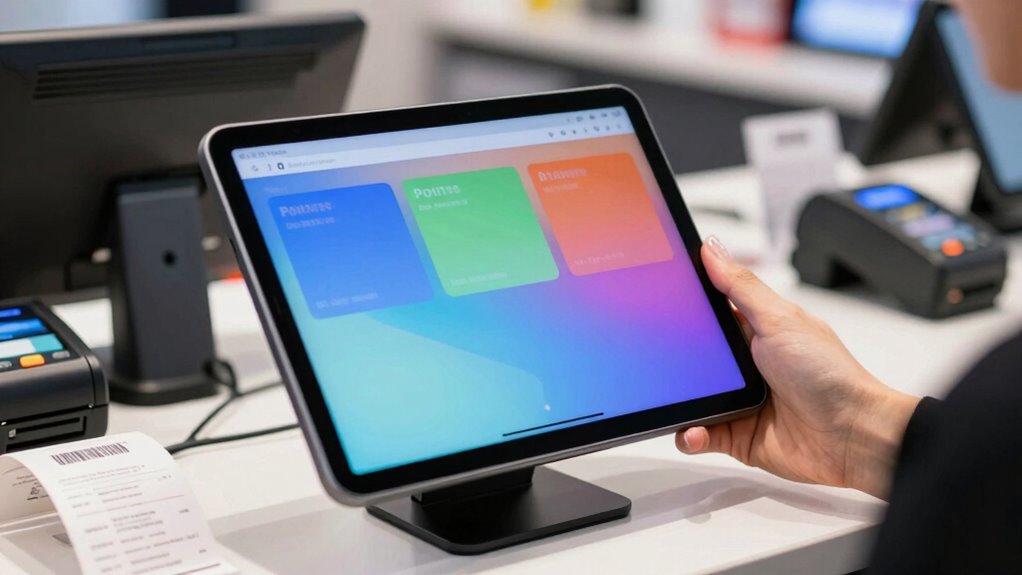
When choosing a business tablet for POS use, prioritize security features like advanced encryption, biometric authentication, and secure remote management to protect sensitive data. Look for durability with rugged design and reliable connectivity options such as Wi-Fi, Bluetooth, and cellular to guarantee smooth transactions in busy environments. Battery life and quick charging help reduce downtime, while a bright, responsive touchscreen improves speed and customer experience. For more tips on selecting the best device, keep exploring further.

Get business pricing on office and shipping supplies
- Business-only prices and quantity discounts
- Tax-exempt purchasing
- Multiple users, one account, clear invoices
Key Takeaways
- Robust security features like encryption, biometric authentication, and secure boot to protect sensitive transaction data.
- Long-lasting, easily swappable batteries with fast charging to ensure continuous operation during shifts.
- Reliable connectivity options (Wi-Fi, Bluetooth, 4G/5G) for seamless communication with peripherals and back-end systems.
- Bright, responsive touchscreen with an intuitive interface to streamline transactions and reduce staff training time.
- Rugged, durable design to withstand demanding environments and minimize device downtime.
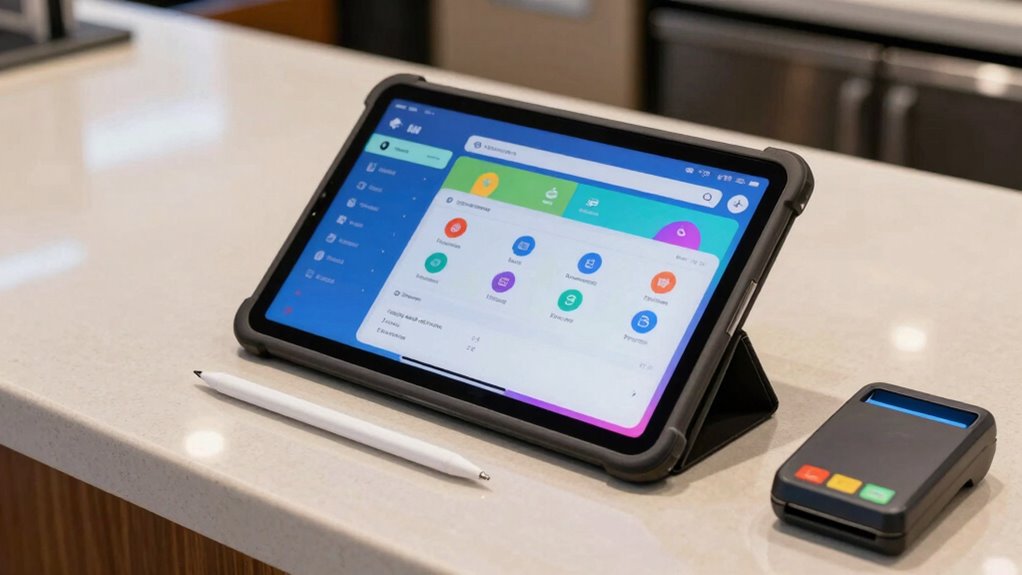
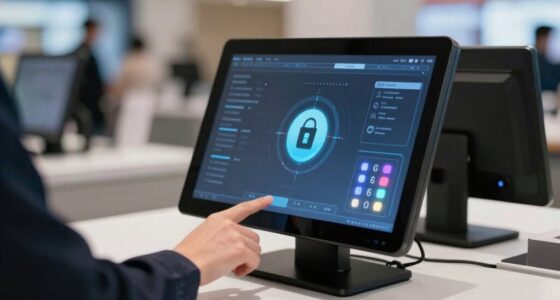
When choosing a business tablet for your point-of-sale (POS) system, it’s fundamental to focus on features that enhance efficiency, security, and user experience. One of the most important considerations is enterprise security. Your POS system handles sensitive customer data, payment information, and sales records, so you need a device that offers robust security measures. Look for tablets with advanced encryption standards, secure boot processes, and biometric authentication options like fingerprint or facial recognition. These features help prevent unauthorized access and protect your business from potential data breaches. Additionally, make certain that the tablet supports remote management capabilities, so you can update software, monitor device health, and enforce security policies centrally. This not only simplifies maintenance but also keeps your system compliant with industry standards.
Battery optimization is another essential feature to consider. POS devices are often used throughout busy hours, and a tablet with poor battery life can disrupt your operations. You want a device that can last through shifts without frequent recharging, so look for tablets with long-lasting batteries or those that support fast charging. Some models include power-saving modes or intelligent power management systems that extend battery life during peak usage. This guarantees your staff can focus on serving customers rather than hunting for charging stations. Also, think about the battery replacement policy; easily swappable batteries can minimize downtime and keep your POS system running smoothly. Incorporating battery health monitoring can further ensure reliable performance over time. Furthermore, selecting devices with enterprise security features can help safeguard your entire POS ecosystem from cyber threats. Considering device management solutions can streamline device updates and troubleshooting, ensuring your system remains secure and operational. In addition, choosing a tablet with robust connectivity options**** ensures consistent communication between devices, which is critical for smooth transactions.
Beyond security and battery life, the overall user experience hinges on a tablet’s display quality and ease of use. A bright, responsive touchscreen makes transactions faster and reduces errors, which is essential in high-volume settings. The interface should be intuitive, allowing staff to quickly learn and operate the system without extensive training. Connectivity options also matter—look for tablets with reliable Wi-Fi, Bluetooth, and 4G or 5G capabilities to ensure seamless communication with printers, payment terminals, and inventory management systems. Additionally, considering durability and ruggedness can greatly enhance the device’s longevity in demanding environments. Incorporating these features with enterprise security and battery optimization ensures your POS system is reliable, secure, and efficient. When you prioritize these critical aspects, you set your business up for smoother transactions, better security, and happier customers.
rugged POS tablet with biometric security
As an affiliate, we earn on qualifying purchases.
As an affiliate, we earn on qualifying purchases.
Frequently Asked Questions
How Do Business Tablets Ensure Data Security During Transactions?
You guarantee data security during transactions by relying on strong encryption protocols that protect sensitive information from unauthorized access. Additionally, user authentication methods, like PINs, passwords, or biometric verification, confirm that only authorized personnel handle transactions. These security measures work together to safeguard customer data, prevent breaches, and maintain trust. By prioritizing encryption and authentication, you keep your business’s payment processes secure and compliant with industry standards.
Can Business Tablets Integrate With Existing POS Hardware?
Think of your business tablet as a puzzle piece—if it fits perfectly, the whole picture comes together smoothly. You’ll find that many tablets feature ergonomic designs and battery longevity considerations, making integration with existing POS hardware seamless. These tablets connect effortlessly via Bluetooth or USB, ensuring your setup stays efficient. With the right device, you’ll streamline transactions, reduce errors, and keep your staff productive—all while fitting neatly into your current system.
What Is the Average Lifespan of a Business Tablet Used for POS?
You can expect a business tablet used for POS to last around 3 to 5 years. Battery longevity varies based on usage, but regular charging habits help extend it. Screen durability is essential, so choose models with reinforced or scratch-resistant screens to withstand daily wear and tear. Proper maintenance, like keeping it clean and protected, also prolongs its lifespan, ensuring reliable performance for your business needs.
Are There Specific Operating Systems Recommended for POS Tablets?
You should look for POS tablets with operating systems like Android or Windows, as they offer customizable interfaces that suit your business needs. These OS options also support better integration with your existing systems. Additionally, prioritize tablets with strong battery longevity to guarantee smooth transactions throughout the day. Choosing the right operating system helps optimize performance, security, and flexibility, making your POS operations more efficient and reliable.
How Do Tablets Handle High-Volume Transaction Processing?
While tablets are generally reliable for high-volume transactions, you should consider their battery longevity and touchscreen accuracy. A tablet with strong battery life guarantees your POS system can handle busy periods without interruptions. Additionally, precise touchscreen responsiveness allows quick, error-free transactions, keeping customer flow smooth. Choosing a device designed for high performance helps prevent lag or downtime, so your business runs efficiently even during peak hours.
long battery life business tablet
As an affiliate, we earn on qualifying purchases.
As an affiliate, we earn on qualifying purchases.
Conclusion
Think of choosing the right business tablet for POS like picking the perfect compass for a sailor. When you prioritize the features that truly matter—durability, speed, and connectivity—you’re steering your business through calm and stormy seas alike. A reliable tablet keeps your operations on course, ensuring smooth transactions and satisfied customers. With the right device as your compass, you’ll navigate the bustling marketplace confidently, reaching your destination of success without getting lost in the waves of technology choices.
enterprise security Android tablet
As an affiliate, we earn on qualifying purchases.
As an affiliate, we earn on qualifying purchases.
4G LTE POS tablet with quick charging
As an affiliate, we earn on qualifying purchases.
As an affiliate, we earn on qualifying purchases.
Fall Picks
fall essentials
As an affiliate, we earn on qualifying purchases.