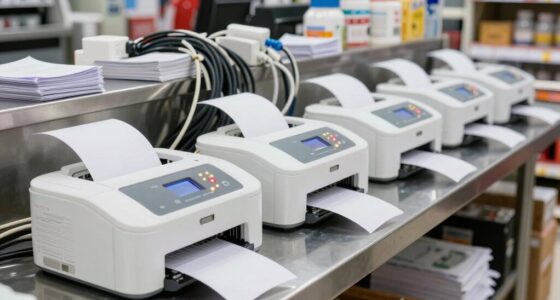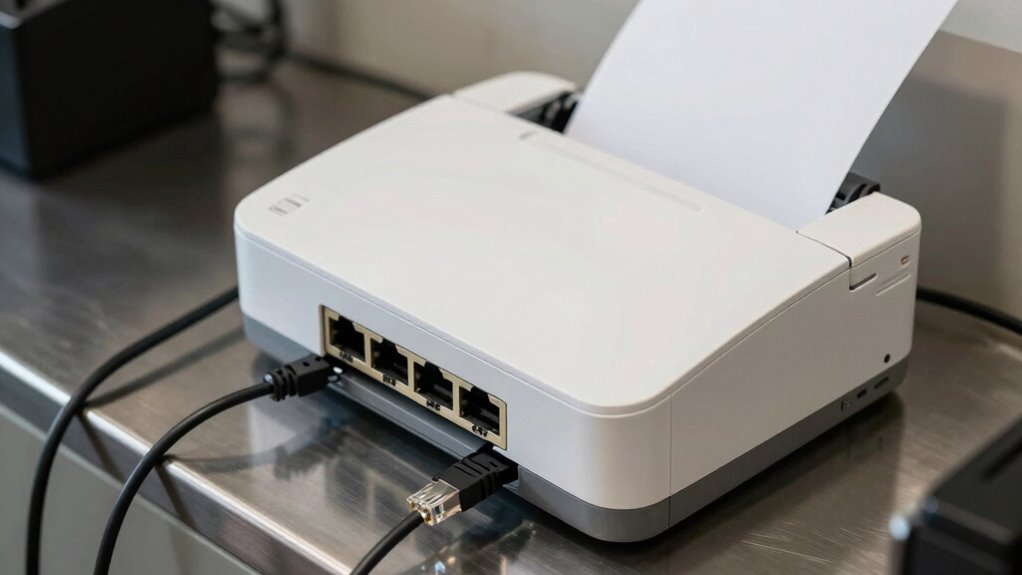

Ethernet receipt printers may seem dull until Wi-Fi goes down, revealing their true strength. When your wireless fails, these wired printers keep your business running smoothly, offering unmatched reliability and security. They’re less prone to interference and easier to troubleshoot, ensuring your receipts print without delays. Maintaining and securing them prevents disruptions, making your operations more resilient during outages. Curious about how these dependable printers can protect your business? Keep exploring to uncover their full advantages.

Get business pricing on office and shipping supplies
- Business-only prices and quantity discounts
- Tax-exempt purchasing
- Multiple users, one account, clear invoices
Key Takeaways
- Ethernet printers provide reliable backup when Wi-Fi connectivity fails, ensuring uninterrupted receipt printing.
- Their stability reduces frustration during network outages compared to unreliable Wi-Fi connections.
- Regular maintenance of Ethernet printers prevents delays and technical issues during critical moments.
- Wired connections offer enhanced security, protecting sensitive transaction data from hacking risks.
- Understanding and managing network infrastructure improves business resilience against Wi-Fi disruptions.
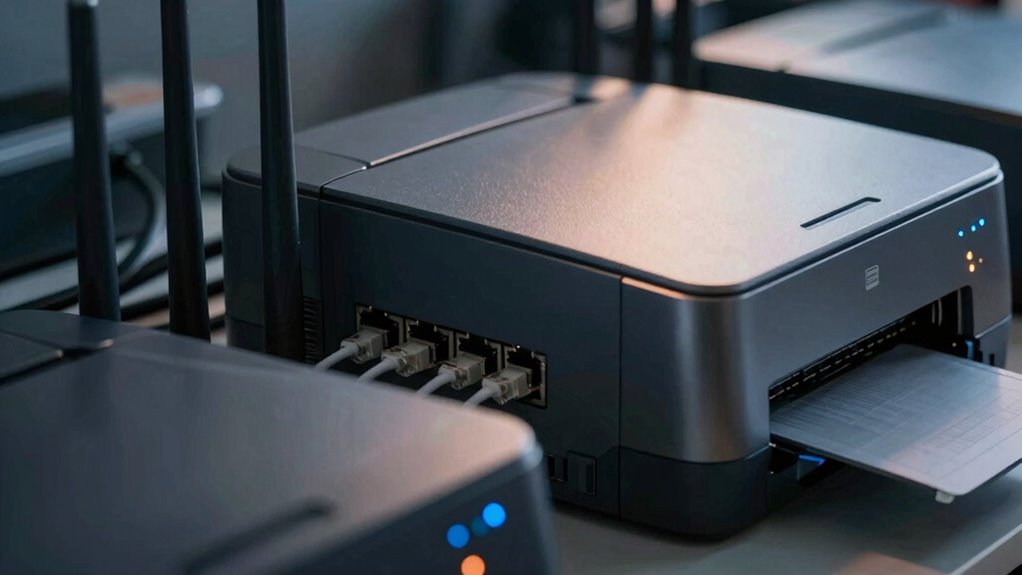
Without wireless connectivity, you realize that Ethernet printers are a dependable backup. They’re less vulnerable to interference, and their stability guarantees your receipts print without hiccups. But you also need to be proactive with printer maintenance. Regularly checking connections, cleaning the printer heads, and updating firmware keep things running smoothly. When Wi-Fi drops, the last thing you want is a printer that’s jammed or outdated, delaying your sales and frustrating customers. Keeping up with printer maintenance isn’t glamorous, but it’s crucial to avoid downtime and guarantee your receipts print reliably, no matter what.
Wireless security is another aspect that becomes more prominent when Wi-Fi is unavailable. With no wireless network to worry about, your Ethernet setup offers a more secure environment for your transaction data. You don’t have to stress over potential hacking or data breaches that could occur over unsecured Wi-Fi. Instead, you depend on a wired connection that’s inherently more secure, giving you peace of mind during network outages. That said, it’s still important to secure your Ethernet setup, using strong passwords and network protocols to prevent unauthorized access. This attention to security and maintenance ensures your receipt printing remains uninterrupted and protected from external threats. Additionally, understanding network reliability can help you better prepare for outages and ensure your systems stay operational. Knowing how to manage network infrastructure effectively can make a significant difference in minimizing downtime. Being familiar with Ethernet setup best practices can also enhance your network stability and security.
When Wi-Fi goes down, your business has a choice: scramble to fix the wireless network or rely on your Ethernet receipt printers. Many find that having a robust wired backup reduces stress and keeps operations flowing. You’ll appreciate how straightforward it is to troubleshoot Ethernet connections compared to Wi-Fi issues, which can be unpredictable and complex. Maintaining your Ethernet receipt printers becomes even more crucial in these moments—regular cleaning, firmware updates, and checking connections prevent unnecessary delays. Properly managing network infrastructure can significantly improve your response to unexpected outages. By staying on top of printer maintenance and understanding the security advantages of wired connections, you keep your business resilient against network disruptions. In the end, Ethernet receipt printers are anything but boring—they’re your reliable partners when Wi-Fi goes down.
As an affiliate, we earn on qualifying purchases.
Frequently Asked Questions
How Do Wi-Fi Issues Affect Transaction Speed?
Wi-Fi issues slow down transaction speed because network interference and weak signal strength cause delays. When your Wi-Fi connection is unstable, data transfer between the receipt printer and your system becomes sluggish, leading to longer wait times. You might notice transactions taking longer or even failing. To avoid this, make sure your Wi-Fi has strong signal strength and minimal interference, so transactions stay quick and smooth even during peak usage.
Can Ethernet Printers Connect to Multiple Devices Simultaneously?
Ethernet printers can connect to multiple devices simultaneously, provided your network has good stability and your printer supports multi-device connectivity. Device compatibility is essential, so check if your printer can handle multiple connections via Ethernet. A stable network ensures smooth communication between devices. When your network is reliable, you won’t experience delays or disconnections, making your transaction process seamless. Proper setup guarantees all devices can print efficiently without conflicts.
What Security Risks Are Associated With Wi-Fi Receipt Printers?
Wi-Fi receipt printers, while convenient, can pose subtle security risks. You might encounter concerns like data encryption gaps, making sensitive information vulnerable. There’s also a chance of unauthorized access if your network isn’t well-protected. To keep your transactions safe, guarantee your Wi-Fi uses strong encryption and secure passwords. Regularly update your firmware and monitor network activity to prevent any sneaky breaches, maintaining smooth and secure operations.
Are There Cost Differences Between Ethernet and Wi-Fi Printers?
You’ll find that Ethernet printers generally have a lower initial cost compared to Wi-Fi models, making them budget-friendly upfront. However, Wi-Fi printers can have higher installation complexity and potential ongoing costs due to network setup or troubleshooting. The cost comparison depends on your setup needs; Ethernet printers are simpler to install but less flexible, while Wi-Fi printers offer mobility but might cost more initially and require more ongoing maintenance.
How Easy Is It to Switch From Ethernet to Wi-Fi?
Switching from Ethernet to Wi-Fi is straightforward, involving a simple printer setup and network configuration. You connect the printer to your wireless network, update the printer’s settings, and guarantee your devices recognize the new connection. This process is quick, with clear instructions, allowing you to move from wired to wireless seamlessly. The key is following the setup steps carefully, making your printer more flexible and accessible without complicated reconfigurations.
As an affiliate, we earn on qualifying purchases.
Conclusion
When Wi-Fi drops, Ethernet receipt printers reveal their true nature—steadfast guardians of business. Without wireless’s fleeting whispers, they stand firm, like ancient sentinels guarding the flow of commerce. In that silence, their steady hum becomes a heartbeat, a symbol of resilience amid chaos. You realize then, these printers aren’t just machines—they’re the quiet anchors anchoring your day, reminding you that sometimes, stability is found in what’s wired, not what’s wireless.
business Ethernet printer backup
As an affiliate, we earn on qualifying purchases.
As an affiliate, we earn on qualifying purchases.
As an affiliate, we earn on qualifying purchases.
Halloween Picks
halloween
As an affiliate, we earn on qualifying purchases.