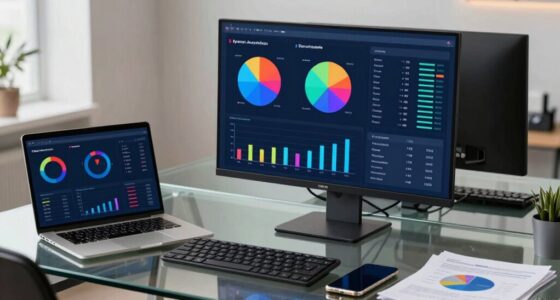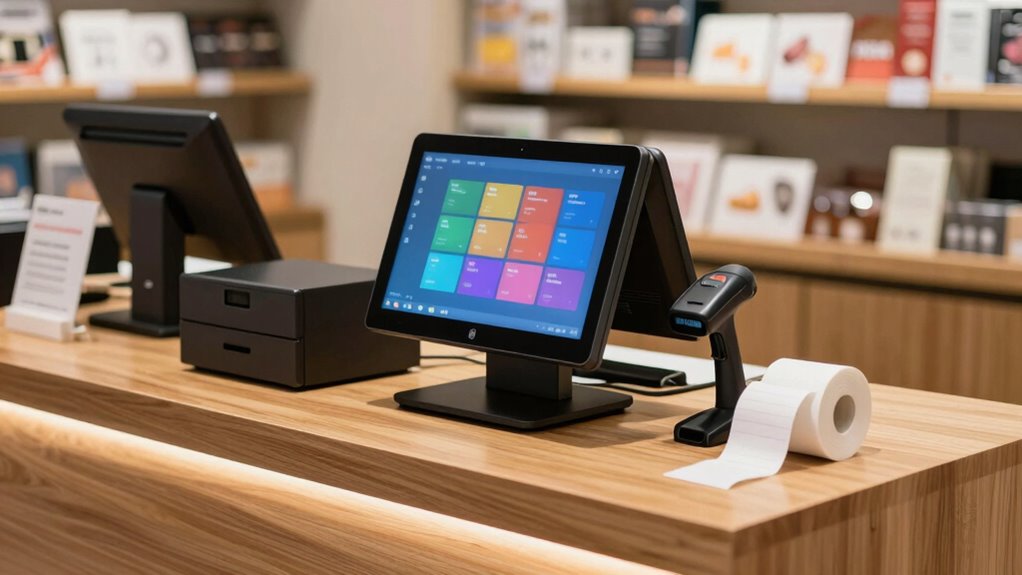
A Windows POS system is still a solid choice for small businesses because it offers a familiar, user-friendly interface and reliable performance. It supports a wide variety of hardware, making setup and future upgrades easier. Plus, its customization options help tailor the system to your specific needs. While it may require regular maintenance, its stability and flexibility often outweigh newer, cloud-native options. Want to see how it compares to other solutions? Keep exploring to find out more.
Key Takeaways
- Windows POS offers a familiar, reliable platform with extensive features suitable for small businesses.
- Its broad hardware compatibility reduces additional costs and simplifies system upgrades.
- Cloud integration enhances real-time data access and remote management but requires maintenance.
- Competing cloud-native solutions may offer better scalability and mobile functionality.
- Stability, customization, and existing infrastructure make Windows POS still a viable choice for many small businesses.
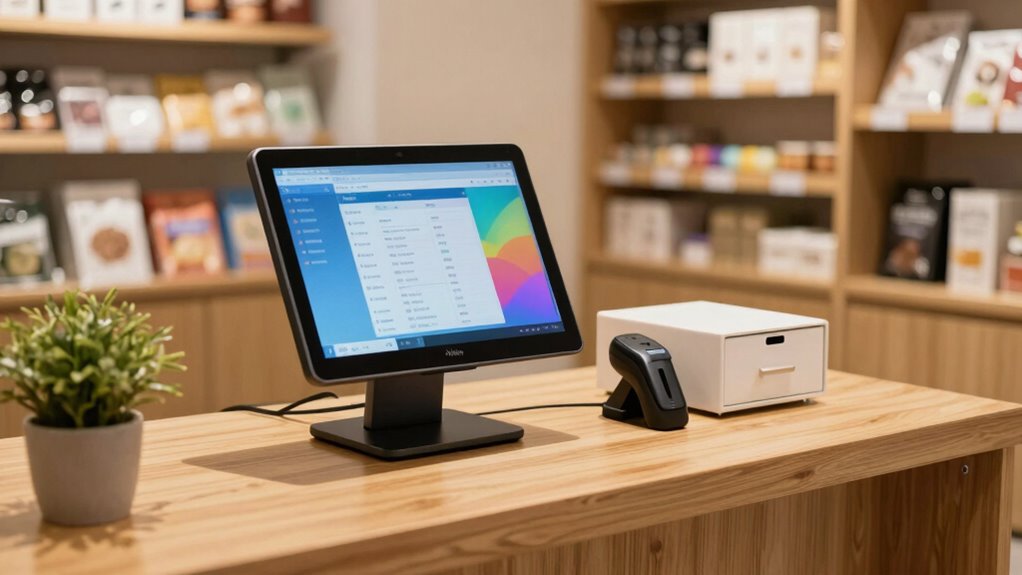
Is a Windows POS still worth it for small businesses in today’s fast-evolving retail landscape? If you’re considering upgrading or switching your point-of-sale system, this question likely crosses your mind. Windows-based POS systems have long been favored for their user-friendly interface and extensive features, but with the rapid pace of technological change, it’s essential to evaluate whether they still hold their value. One of the biggest advantages of choosing a Windows POS is its seamless cloud integration. You can connect your system to cloud-based applications, enabling real-time inventory updates, sales tracking, and remote management. This flexibility allows you to access critical business data from anywhere, making it easier to make informed decisions quickly. Plus, cloud integration reduces the risk of data loss, as your information is stored securely off-site, offering peace of mind. Additionally, technology reviews can help you stay informed about the latest advancements and determine if a Windows POS remains competitive.
Windows POS systems offer seamless cloud integration, enabling real-time updates, remote management, and secure data storage for small businesses.
Hardware compatibility is another vital factor. Windows POS systems are known for their broad hardware compatibility, meaning you can often use existing equipment or choose from a wide range of peripherals like barcode scanners, cash drawers, receipt printers, and touchscreen monitors. This versatility can save you money and simplify setup, especially if you already have compatible hardware in place. It also makes upgrading components less complicated, ensuring your POS system remains scalable as your business grows. Furthermore, because Windows is a widely adopted platform, most hardware manufacturers prioritize compatibility, reducing the likelihood of technical issues or driver conflicts. Staying updated on software compatibility can help prevent potential integration issues down the line.
However, it’s worth noting that Windows POS systems aren’t without their challenges. They often require regular updates and maintenance to keep everything running smoothly, which can add to your operational workload. Additionally, some newer retail solutions are cloud-native and built on platforms like iOS or Android, which may offer more modern interfaces and easier integrations for certain features. Still, if you value stability, familiarity, and extensive customization options, a Windows POS can be a reliable choice.
Ultimately, whether a Windows POS remains worth it depends on your specific needs. If you prioritize robust cloud integration, hardware compatibility, and a familiar interface, sticking with Windows makes sense. It offers a solid foundation that can adapt to your business’s evolving demands while providing the flexibility to integrate new technologies. As long as you stay on top of updates and choose hardware wisely, a Windows-based POS can continue to serve your small business effectively in today’s competitive retail environment.

(Ship from USA) POS Cash Register 15'' Touch Screen Windows PC with Built-in 2 1/4'' Thermal Receipt Printer for Retail Businesses SET02
MEETSUN Cash register is a marketing system for online,includes 15" touch screen with 11.6" customer display + built-in…
As an affiliate, we earn on qualifying purchases.
As an affiliate, we earn on qualifying purchases.
Frequently Asked Questions
How Does Windows POS Compare to Cloud-Based POS Systems?
Windows POS systems often offer a familiar user interface and robust customization options, making them suitable if you prefer local control. Cloud-based POS systems, however, provide real-time updates, easier remote access, and automatic backups. If you value flexibility and scalability, cloud solutions might be better. But if you need offline functionality and deep customization, a Windows POS could suit your small business better.
What Are the Security Risks of Using Windows POS?
Using a Windows POS system is like leaving your front door unsecured — it comes with security risks. You face potential malware attacks and data breaches if you don’t implement strong measures. To protect yourself, guarantee data encryption is in place and keep malware prevention software up to date. Regular security updates and vigilant monitoring help safeguard sensitive customer info, making your POS system more resilient against cyber threats.
Can Windows POS Integrate With Existing Accounting Software?
Yes, Windows POS can integrate with your existing accounting software, making inventory management seamless. Many Windows POS systems offer compatibility through APIs or third-party plugins, allowing you to sync sales data, customer info, and inventory updates. The user interface is typically intuitive, so you can easily navigate and manage transactions, reducing errors. This integration streamlines operations and enhances overall efficiency, making it a practical choice for small businesses.
Is Technical Support Readily Available for Windows POS?
You’ll find that technical support for Windows POS is quite accessible, with many providers offering dedicated help desks and online resources. About 85% of users report quick resolution times. When it comes to user training and software customization, support teams often guide you through setup and tailor the system to your needs. This guarantees smooth operation, minimizes downtime, and helps you get the most out of your POS investment.
What Are the Hardware Requirements for Windows POS?
The hardware requirements for Windows POS focus on hardware compatibility and device durability. You need a compatible processor, at least 4GB of RAM, and sufficient storage space, typically 120GB or more. Make certain your devices are durable enough for daily use, like robust touchscreens, barcode scanners, and receipt printers. Investing in reliable, durable hardware minimizes downtime, making your POS system more efficient and long-lasting, which is vital for small business operations.

Professional POS Hardware with 80mm Auto-Cutter Printer, 15.6 Inch Touch Screen Cash Register i5, 6 USB, No Software, Windows 10 Compatible Machine(Black,58 Tooth Gear Printer)
【PRO HARDWARE – NO MONTHLY FEES】: This is a high-performance all-in-one POS hardware bundle. NO software included and…
As an affiliate, we earn on qualifying purchases.
As an affiliate, we earn on qualifying purchases.
Conclusion
So, is a Windows POS still worth it for your small business? The answer isn’t black and white. While it offers familiarity and robust features, the landscape is shifting fast. Will it continue to meet your needs as technology evolves? Or will newer, more flexible options take its place? The choice isn’t just about today—it’s about where your business will be tomorrow. The real question is: are you ready to make that leap?
cloud-integrated Windows POS terminal
As an affiliate, we earn on qualifying purchases.
As an affiliate, we earn on qualifying purchases.

ANGEL POS 15-Inch 4:3 Capacitive LED Backlit Multi-Touch Monitor, True Flat Seamless Design Touchscreen with Metal POS Stand, for Office, POS, Retail, Restaurant, Bar, Gym, Warehouse
✔【 Seamless flat touch screen design】- Unlike home-use monitors designed for occasional personal use, the seamless construction enhances…
As an affiliate, we earn on qualifying purchases.
As an affiliate, we earn on qualifying purchases.