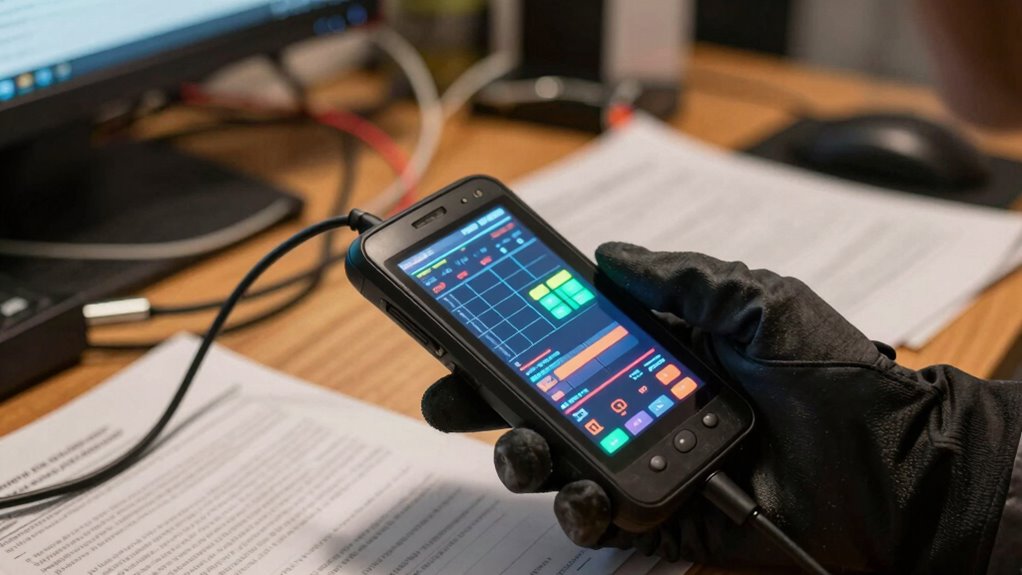

Handheld terminals seem simple and easy to use, but in chaotic environments, things get tricky. You’ll face multitasking, tight spaces, and working with gloves or protective gear. Durability, environmental resistance, and security become critical to keep things running smoothly. If your devices aren’t designed for tough conditions, they can quickly lose performance or break. Get the full picture to see how the right features make all the difference when chaos strikes.

Get business pricing on office and shipping supplies
- Business-only prices and quantity discounts
- Tax-exempt purchasing
- Multiple users, one account, clear invoices
Key Takeaways
- Rugged, durable design ensures handheld terminals withstand drops, dust, and moisture in chaotic environments.
- Ergonomic shapes and button placement reduce user fatigue during extended, demanding tasks.
- Environmental resistance features maintain device performance amid dirt, water, and rough handling.
- Reliable connectivity and security features prevent data loss and protect information in unpredictable conditions.
- Intuitive operation and resilient interfaces enable quick error correction and continuous workflow despite messiness.
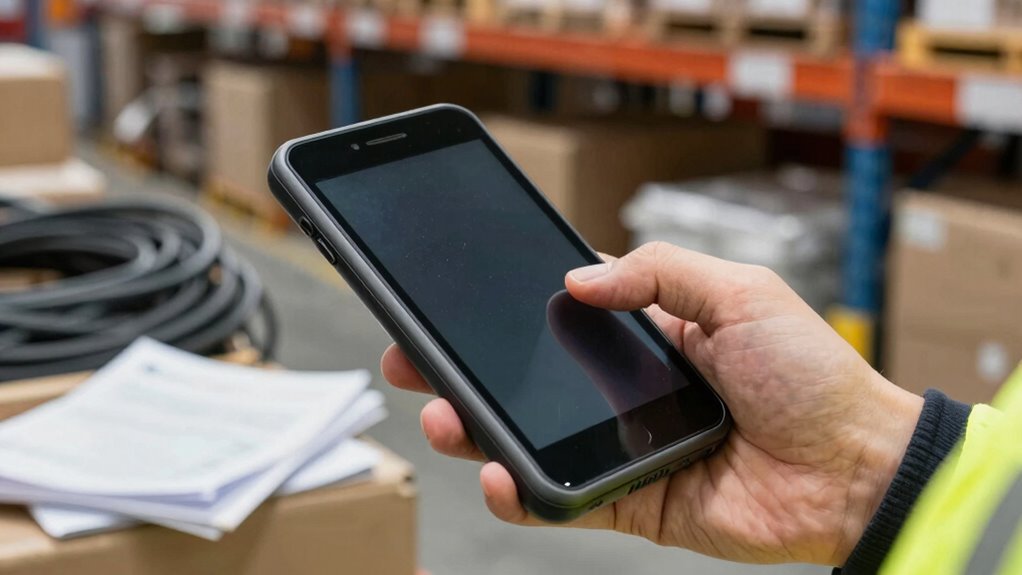
Handheld terminals have become surprisingly simple to use, making them a valuable tool for streamlining your workflow. They’re designed with user ergonomics in mind, so you can operate them comfortably for extended periods without strain. The shape, weight, and button placement are all optimized to fit naturally in your hand, reducing fatigue and improving efficiency. When you’re working in fast-paced environments, this ergonomic design helps maintain focus and minimizes the risk of mistakes caused by discomfort. Plus, a well-designed device feels intuitive, so you don’t need extensive training to get started.
However, as straightforward as they seem, the real challenge emerges when operations get messy. In busy warehouses, retail floors, or field service settings, conditions quickly become chaotic. You might be juggling multiple tasks, finding your way through tight spaces, or handling a device while wearing gloves or other protective gear. This is where device durability becomes critical. A rugged, durable handheld terminal can withstand drops, bumps, dust, and moisture—factors that are common in demanding work environments. When your device is built tough, you won’t have to worry about accidental damage derailing your day or costly repairs interrupting your workflow.
Even with a sturdy device, maintaining operational clarity isn’t always easy. When things get hectic, buttons might get pressed accidentally, screens can get scratched, or signals can be interrupted. That’s why choosing a device with a resilient screen and responsive touch interface is essential. It guarantees you can quickly correct errors or re-enter data without frustration. Furthermore, a device that’s resistant to environmental factors allows you to keep working without concern for dust or water damage, maintaining productivity despite the messiness around you. Ensuring your device durability is a key factor in managing complex workflows effectively. A focus on environmental resistance helps extend the lifespan of handheld terminals in diverse settings. Additionally, selecting devices with reliable connectivity ensures consistent data transfer even in challenging environments, reducing downtime and frustration. Incorporating robust security features can also protect sensitive data in unpredictable conditions, adding an extra layer of operational safety.
As an affiliate, we earn on qualifying purchases.
Frequently Asked Questions
How Do Handheld Terminals Improve Inventory Accuracy?
Handheld terminals improve your inventory accuracy by enabling barcode scanning, which reduces manual entry errors. As you scan items, the system provides real-time updates, instantly reflecting inventory changes. This immediate feedback helps you catch discrepancies right away, ensuring your stock counts are precise. With these tools, you streamline your operations, minimize mistakes, and maintain reliable inventory records, even when your warehouse or store gets busy and complex.
What Are the Main Features to Consider When Choosing a Handheld Terminal?
What should you look for when choosing a handheld terminal? You want device ergonomics so it fits comfortably during long shifts, reducing fatigue. Data security is essential to protect sensitive information from breaches. Check for durability, ensuring it withstands your environment, and consider ease of use for quick training. Are you prepared for smooth operations? Prioritize these features, and you’ll find a reliable, efficient device that keeps your warehouse running seamlessly.
How Long Is the Typical Battery Life of These Devices?
The typical battery life of handheld terminals varies, but most offer around 8 to 12 hours of battery longevity on a full charge. To guarantee you get through your shifts, effective power management is vital—opt for devices with smart power-saving features, and regularly monitor battery status. Properly maintaining the battery, like avoiding extreme temperatures, also helps prolong its lifespan, keeping your operations running smoothly.
Are Handheld Terminals Suitable for Outdoor or Harsh Environments?
Yes, handheld terminals are suitable for outdoor or harsh environments. They often feature weather resistance, protecting against rain, dust, and extreme temperatures. Durability testing guarantees these devices can withstand drops and rough handling, making them reliable in tough conditions. You can confidently use them outside, knowing they’re built to endure the elements and demanding work environments, ensuring continuous operation without frequent replacements.
What Training Is Required for Staff to Operate These Devices Effectively?
You need to provide staff training focused on the user interface to guarantee they operate handheld terminals effectively. Start with basic functions like power on/off, scanning, and data entry, then progress to more advanced features. Hands-on practice helps staff become comfortable. Regular refreshers and troubleshooting sessions are essential to keep everyone confident, especially in demanding environments. Proper training minimizes errors and maximizes the device’s efficiency during daily operations.
durable industrial handheld terminal
As an affiliate, we earn on qualifying purchases.
As an affiliate, we earn on qualifying purchases.
Conclusion
Just like a seemingly simple compass guiding you through uncharted waters, handheld terminals appear straightforward. But when chaos erupts—errors, overloads, miscommunications—they reveal their true complexity. Remember, what looks like a small device can symbolize the vast challenges beneath the surface. Stay prepared, stay vigilant. Because in the world of operations, even the smallest tool demands mastery to steer through the storm. Your success depends not just on the device but on your ability to navigate its depths.
ergonomic handheld device for warehouse
As an affiliate, we earn on qualifying purchases.
As an affiliate, we earn on qualifying purchases.
waterproof and dustproof handheld computer
As an affiliate, we earn on qualifying purchases.
As an affiliate, we earn on qualifying purchases.
Halloween Picks
halloween
As an affiliate, we earn on qualifying purchases.