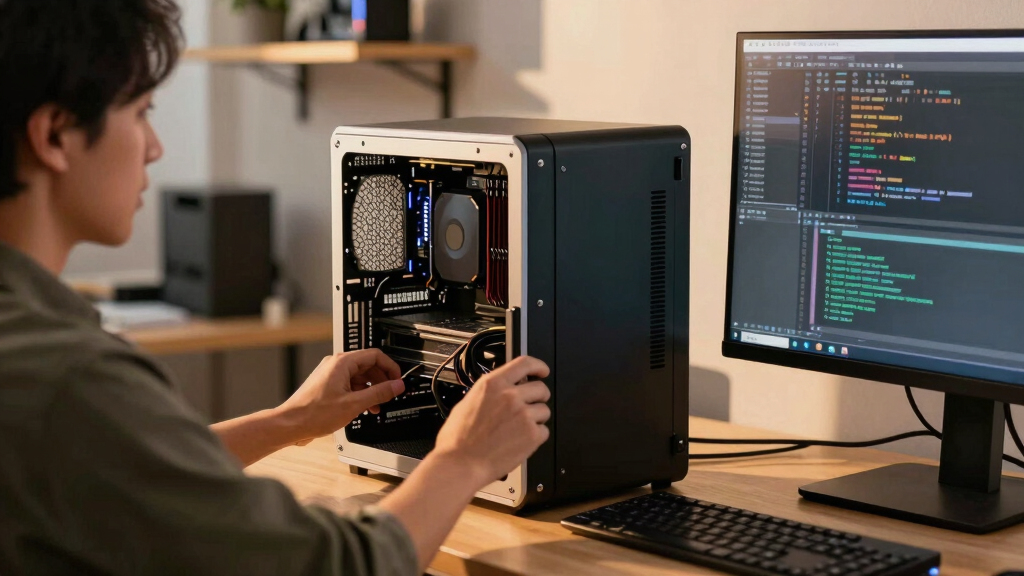

📊 Full opportunity report: Build vs Buy a Prebuilt AI Workstation on ThorstenMeyerAI.com — validation score, market gap, and execution plan.

Get business pricing on office and shipping supplies
- Business-only prices and quantity discounts
- Tax-exempt purchasing
- Multiple users, one account, clear invoices
TL;DR
The long-held belief that building your own AI workstation is cheaper than buying prebuilt no longer holds in 2026 due to component shortages and rising prices. Buyers must now compare both options carefully, considering cost, time, and thermal management.
In 2026, the assumption that building a custom AI workstation is always cheaper than purchasing a prebuilt has been overturned, as component shortages and price hikes have made prebuilt systems competitively priced or even cheaper in some cases.
Traditionally, building a DIY AI workstation was the more economical choice, with enthusiasts sourcing components like GPUs, RAM, and SSDs individually. However, recent supply chain disruptions, driven by the AI boom, have caused sharp price increases for key parts, including DDR5 RAM, high-end GPUs, and SSDs. As a result, many prebuilt manufacturers, such as Lambda and Puget Systems, have secured bulk components before prices spiked, allowing them to offer systems at prices that are difficult to match through DIY assembly today. This shift means that cost is no longer the sole factor in choosing between build and buy. Instead, considerations now include thermal management, warranty, time investment, and customization options, as prebuilt systems often come with validated thermals, burn-in testing, and support services.Build vs buy
an AI workstation.
The real question behind this whole series: do you pull the five heat-and-noise levers yourself, or buy a prebuilt where the vendor pulled them for you? And in 2026, the old “building is cheaper” rule has broken. Match your situation in Part 3.
Why Price and Thermal Management Shift the Decision
This development fundamentally alters the classic build-versus-buy calculus. Buyers must now evaluate not just upfront costs but also the thermal performance, noise levels, warranty coverage, and time costs associated with building a custom rig. Prebuilts often include factory-validated thermals and cooling solutions, reducing the risk of thermal throttling during intensive AI workloads. For professionals and organizations, this means that opting for a prebuilt can reduce downtime and troubleshooting, potentially offsetting the higher initial cost. Conversely, hobbyists and those seeking maximum control and upgradeability still benefit from building their own systems, especially if they value customization or enjoy the assembly process. Overall, the decision now hinges on a broader set of factors beyond just price, emphasizing the importance of evaluating thermal validation, support, and long-term flexibility.Products Worth Considering

Samsung 27-inch Odyssey OLED G6 QD-OLED QHD Gaming Monitor

Samsung 27-Inch Odyssey QD-OLED G8 4K 240Hz Gaming Monitor

LG 34GX90SA-W 34-inch Ultragear WQHD OLED Curved Gaming Monitor
As an affiliate, we earn on qualifying purchases.
Component Shortages and Price Spikes in 2026
Over the past year, the AI hardware market has experienced significant supply chain disruptions, leading to shortages and increased prices for critical components like high-performance GPUs, DDR5 RAM, and SSDs. Large OEMs and prebuilt vendors secured bulk purchasing agreements early, allowing them to maintain competitive pricing despite market volatility. Meanwhile, DIY builders face rising costs and limited availability, making it challenging to assemble a cost-effective system comparable to prebuilt offerings. The market shift is directly tied to the AI industry’s rapid growth, which has increased demand for high-end hardware, further straining supply chains. This environment has caused a reevaluation of the traditional cost advantage of building a custom system, with many now finding prebuilt options more attractive financially and logistically."Our systems are engineered for up to 30% lower noise and temperature, validated through rigorous burn-in testing, providing peace of mind for demanding AI workloads."
— BIZON Systems spokesperson
Unresolved Factors in the Build vs Buy Choice
It remains unclear how ongoing market fluctuations will affect component prices in the coming months, and whether new supply chain disruptions could alter the current balance. Additionally, the long-term upgradeability and total cost of ownership for prebuilt systems versus DIY builds are still being evaluated, especially as technology evolves rapidly in the AI hardware space. The impact of potential future shortages or price corrections is not yet predictable, making the decision more complex for consumers and organizations.
Future Trends in AI Workstation Procurement
Manufacturers are expected to continue optimizing prebuilt systems for thermal performance and support, potentially expanding warranty options and customization features. Meanwhile, DIY builders may adapt by sourcing components from alternative markets or focusing on specific niche configurations. Market prices for key components could stabilize or further fluctuate depending on supply chain developments, influencing the ongoing cost calculus. Buyers should monitor these trends and compare current prices and support options as they plan their AI hardware investments.
Key Questions
Is building a DIY AI workstation still cheaper in 2026?
Not necessarily. Due to component shortages and price increases, prebuilt systems can now match or even undercut DIY costs for certain configurations, especially when factoring in thermal validation and support.
What are the main advantages of buying a prebuilt AI workstation?
Prebuilts offer plug-and-play convenience, validated thermals, burn-in testing, warranty coverage, and expert support, reducing setup time and risk of thermal issues during intensive workloads.
Can I upgrade a prebuilt AI workstation easily later?
It depends on the system. Many prebuilt workstations allow for upgrades, but some configurations may have limited expandability. Check the vendor's specifications before purchasing if future upgrades are a priority.
How do component shortages affect the choice between build and buy?
Shortages have increased component prices and limited availability, making it more expensive or difficult to assemble a DIY system that matches prebuilt offerings in performance and thermal management.
What should I consider besides price when choosing between build and buy?
Thermal performance, noise levels, warranty, support, customization options, and your own expertise and time availability are all critical factors in making the decision.
Source: ThorstenMeyerAI.com