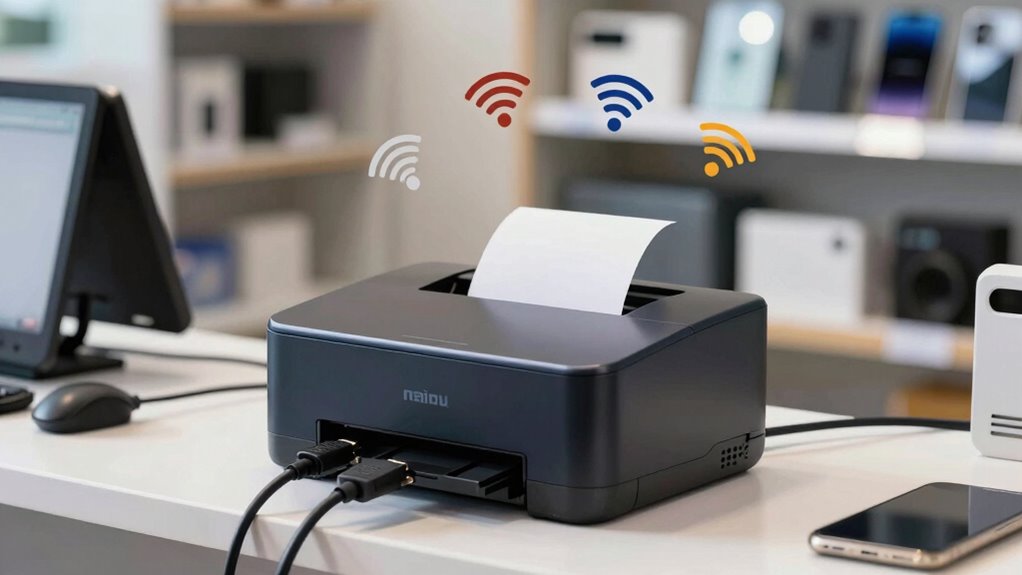

To guarantee your wireless receipt printers work smoothly, you need better network planning. A well-designed network improves coverage, reduces dead zones, and prevents disruptions during busy times. It also helps protect sensitive data by supporting strong security measures. Without proper planning, you risk slowdowns, interruptions, and security vulnerabilities. If you want to keep your printing reliable and secure, understanding these network essentials will help you stay ahead and optimize your setup effectively.

Get business pricing on office and shipping supplies
- Business-only prices and quantity discounts
- Tax-exempt purchasing
- Multiple users, one account, clear invoices
Key Takeaways
- Ensures strong Wi-Fi coverage to prevent dead zones and avoid printing disruptions.
- Optimizes network capacity to support multiple devices without slowing down performance.
- Enhances security by reducing vulnerabilities through proper network segmentation and encryption.
- Minimizes interference from other wireless devices for reliable printer connectivity.
- Maintains consistent connection quality, reducing errors and improving overall printing efficiency.

Wireless receipt printers are transforming how businesses approach network planning by offering greater flexibility and ease of installation. With no cables tying you down, you can position printers anywhere within your Wi-Fi range, making your workspace more adaptable and efficient. But this newfound flexibility comes with its own set of challenges. To maximize the benefits of wireless printers, you need to develop a smarter network plan that accounts for security, reliability, and ongoing maintenance.
One of the critical aspects to contemplate is cloud security. When your wireless receipt printers connect to cloud-based systems for printing or data management, you introduce potential vulnerabilities. Hackers might try to intercept sensitive transaction data or gain unauthorized access to your network. To prevent this, guarantee your Wi-Fi network uses strong encryption protocols, like WPA3, and implement secure authentication methods. Regularly updating your printer firmware and network security settings is also essential to patch vulnerabilities and protect customer information. A well-planned network isn’t just about speed; it’s about protecting customer data and safeguarding your entire system from cyber threats. Additionally, understanding network security principles can help you better defend against these risks. Ensuring your network has proper coverage and minimal dead zones can also improve reliability and reduce printing disruptions. It’s also important to consider network capacity to handle multiple devices efficiently and prevent slowdowns during peak usage. Moreover, assessing interference sources such as other wireless devices can help maintain consistent connection quality.
As an affiliate, we earn on qualifying purchases.
Frequently Asked Questions
How Do Interference Sources Affect Wireless Receipt Printer Performance?
Interference sources can considerably affect your wireless receipt printer’s performance by causing signal degradation. These sources, like other electronic devices or thick walls, disrupt the wireless signals, leading to slower printing speeds or connection drops. When interference occurs, your printer struggles to communicate reliably with your network, resulting in delays and frustration. To guarantee smooth operation, identify and minimize interference sources, optimizing your wireless network for better printer performance.
What Security Measures Are Recommended for Wireless Receipt Printers?
You should implement strong security measures like encryption protocols and access controls for your wireless receipt printers. Encryption protects sensitive transaction data from eavesdropping, while access controls restrict who can connect to the printer, preventing unauthorized use. Regularly update firmware and change default passwords to enhance security. By applying these measures, you guarantee your wireless printers stay safe from cyber threats and maintain customer trust.
How Can I Optimize Placement for Better Wireless Connectivity?
To maximize placement for better wireless connectivity, you should prioritize locations that enhance signal strength, minimize interference, and guarantee consistent power management. Place your printer in an area with durable, stable surfaces away from metal objects and electronic devices that could disrupt signals. Position it near power sources to ensure reliable operation, and avoid areas prone to physical damage. This approach boosts printer durability, strengthens connections, and maintains peak performance.
What Are Common Network Issues Impacting Wireless Receipt Printers?
You’ll often face network issues like signal interference, weak Wi-Fi coverage, or outdated firmware affecting your wireless receipt printers. Poor printer maintenance and skipped software updates can worsen these problems, causing delays or failed print jobs. To fix this, make sure your network is well-optimized, regularly update printer software, and maintain equipment properly. These steps help improve connectivity, reduce downtime, and keep your receipt printing smooth and reliable.
How Often Should Network Settings Be Reviewed for Printers?
You should review your network settings for printers at least quarterly. Studies show that network congestion increases by 30% annually, which can disrupt printer performance. Regular checks help identify issues like interference or outdated firmware, ensuring smooth operation. Firmware updates are essential during these reviews, as they fix bugs and improve connectivity. Staying proactive minimizes downtime, keeps your wireless receipt printers running efficiently, and enhances overall customer service.
wireless receipt printer network extender
As an affiliate, we earn on qualifying purchases.
As an affiliate, we earn on qualifying purchases.
Conclusion
Remember, a chain is only as strong as its weakest link. When it comes to wireless receipt printers, proper network planning guarantees smooth operations and reliable performance. Don’t overlook the importance of a solid network setup—it’s the backbone of efficiency in your business. By investing time now, you’ll save headaches later and keep your customers satisfied. As the saying goes, “Failing to plan is planning to fail,” so make your network a priority today.
secure Wi-Fi access point for business
As an affiliate, we earn on qualifying purchases.
As an affiliate, we earn on qualifying purchases.
cloud-compatible wireless receipt printer
As an affiliate, we earn on qualifying purchases.
As an affiliate, we earn on qualifying purchases.
Halloween Picks
halloween
As an affiliate, we earn on qualifying purchases.